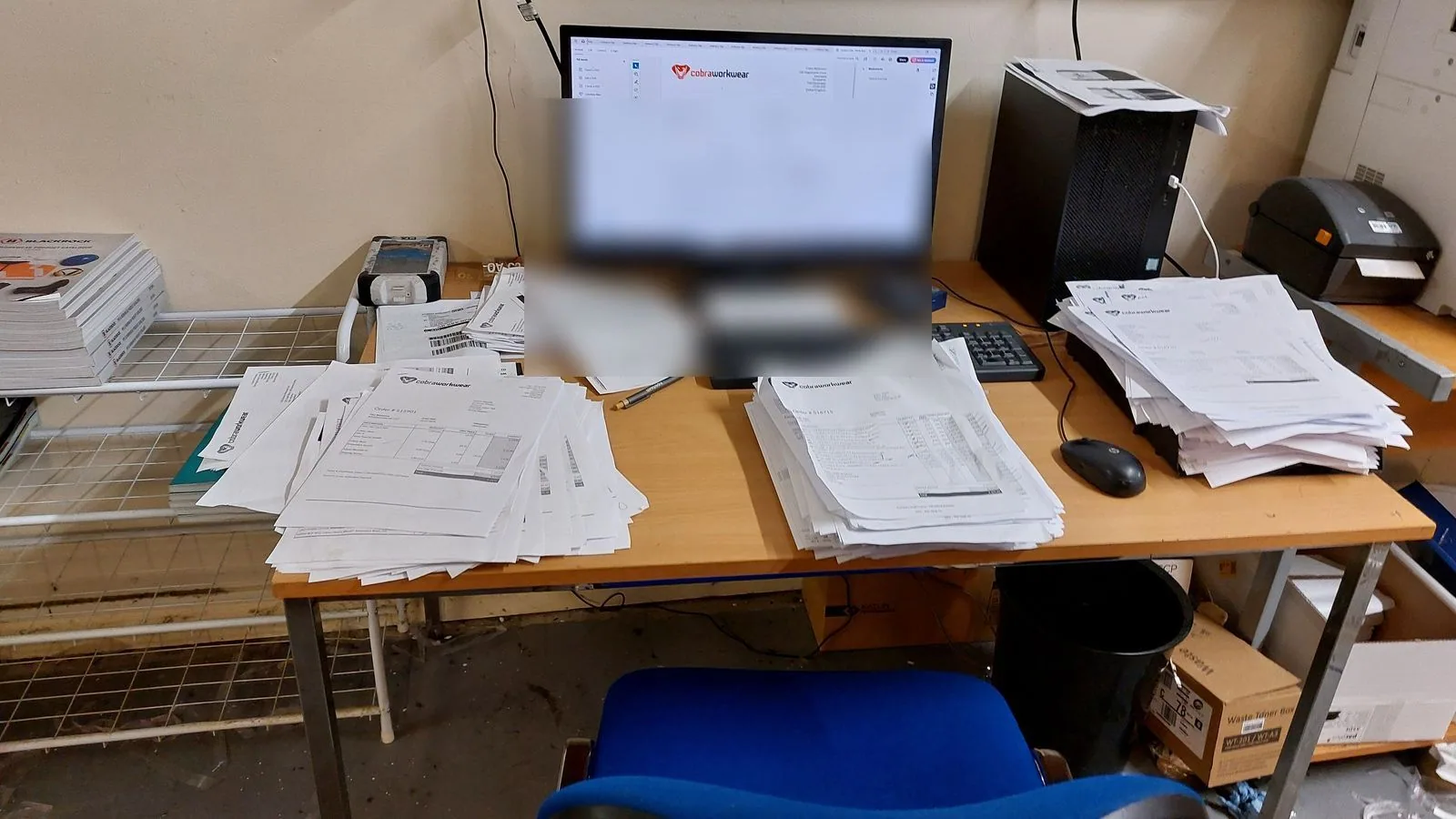
The problem

The spreadsheet that runs your business is one corrupted file away from disaster.

It started as a tidy little order log. Now it's got five tabs, three people editing it, macros that only work on one person's machine, and a version history nobody fully trusts. Every decorated-goods business has one, and every one of them is one accidental keystroke away from taking a day's orders with it.

Production in progress, orders, specifications and deadlines that should not be living inside a single spreadsheet file.
YOUR BUSINESS IS A .XLSX FILE
Sound familiar?

Seven signs your spreadsheet has become the single point of failure.

If you recognise three or more of these, the spreadsheet isn't a tool any more. It's a risk the business is carrying every day.

  • You wouldn't know where to start if the file got corrupted or deleted
  • Supplier price lists in the spreadsheet are three versions out of date
  • Only one person knows how the macros work, and they're on holiday this week
  • The order log has no audit trail, you can't see who changed what or when
  • Someone accidentally saved over a full day's data and nobody noticed for a week
  • You've got a separate spreadsheet for every supplier because one file can't hold them all
  • The business can't be sold because the buyer would need to understand the spreadsheet first
Real failure modes

These aren't theoretical. They've all happened in this sector.

A spreadsheet failure in decorated goods doesn't look like an IT problem. It looks like a production line that doesn't know what it's making this morning.

01

The price list that went out of date

A supplier raised prices in December. The spreadsheet still had the old rates. By the time anyone noticed, forty orders had been quoted at the wrong price, and the difference came out of margin, not the customer's invoice.

02

The order log with no audit trail

A key customer disputed an order quantity. The spreadsheet showed one number; they had an email confirming another. With no audit trail, there was no way to prove which was right, so the business ate the difference to keep the relationship.

03

The macro that only worked on one machine

One person built the order-processing macro over several years. When they left, nobody else knew how it worked, and the replacement system took six months to build, during which every order was processed by hand.

04

The corrupted file with no backup

A spreadsheet with two years of order history became corrupted during a save. The most recent backup was eight months old. Eight months of order data had to be reconstructed from emails, delivery notes, and memory.

Single file → documented systemDO-ART-416 · REV 01DECODED OPS · ISSUEDNOWOne corrupted file = lost ordersSupplier prices: three versions out of dateMacros only work on one machineNo audit trail, no accountabilityAFTERDocumented processes live outside any fileAutomated supplier price feedsStandard tools anyone can useFull audit trail, every change trackedTITLESINGLE FILE → DOCUMENTED SYSTEMDRAWING NO.DO-ART-416REV01
How I help

Documented process, not a single file nobody else can read.

The Process & Quality System replaces the dependency on one spreadsheet with documented processes that live outside anyone's laptop. The order log becomes a named process with a documented workflow, not a file that only opens on one version of Excel.

Where the spreadsheet was actually doing something useful (tracking orders, managing supplier prices, routing artwork approvals), a Clarity Audit finds the right tool to replace it, whether that's a small system, a Data App layer, or a properly-structured process document that doesn't rely on one person's macros.

Find out what's actually living in your spreadsheets.

A Clarity Audit maps every process that currently depends on a spreadsheet, and the written plan tells you which ones to move first, before the file that runs the business stops opening.